
Seedance 2
Seedance 2
Generate videos from text, images, and multimodal references.
Turn photos into videos with SotaVideoAI’s AI image to video generator—upload an image and describe the motion.
AI Models
Animate images with Veo 3 or Seedance 2, or create your starting image with Nano Banana 2.
Generate videos from text, images, and multimodal references.

Create videos from reference images with Veo 3 Fast.
Generate and edit images for standalone projects or video references.
Core Features
Turn a photo into a video with SotaVideoAI, then explore reference-based creation and video editing.
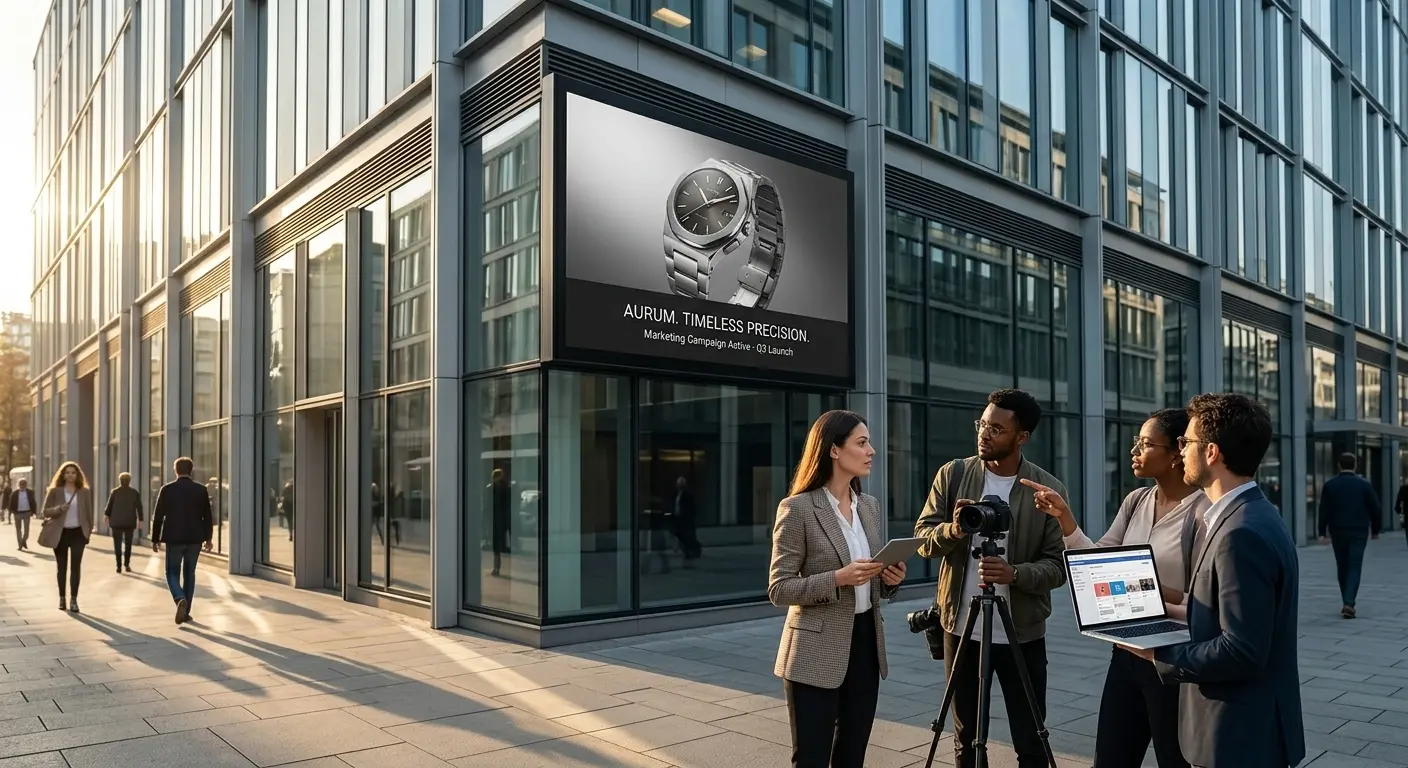
Upload an image and bring it to life with Sora 2 in SotaVideoAI. Describe the subject’s movement, camera motion, and atmosphere to shape your video.
Two women in a choreographed fight inside a tiled restroom, with dynamic camera movement, cool overhead lighting, and reflections on the wet floor.Animate Your Image
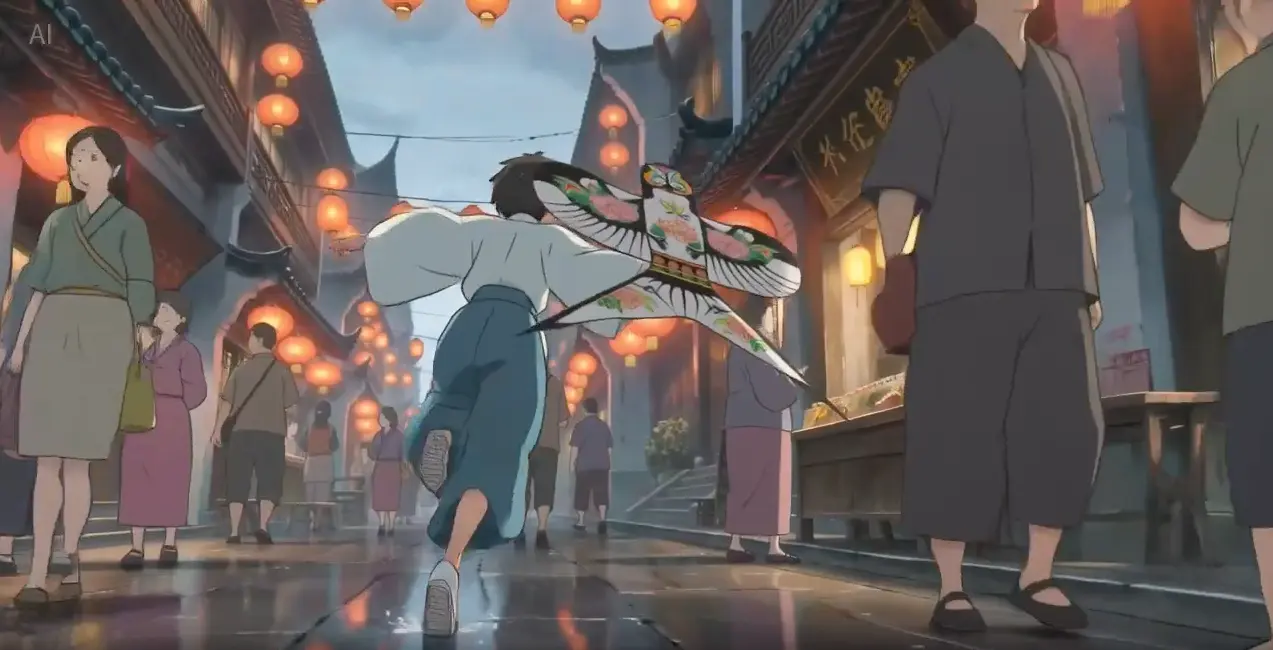
Start with an image reference for Sora 2, or explore models that support video and audio references to guide your scene’s style, action, and mood.
Style reference: a Japanese ink-wash painting. Animate a warrior leaping across snow-dusted rooftops as a fan dances behind him.Create with References
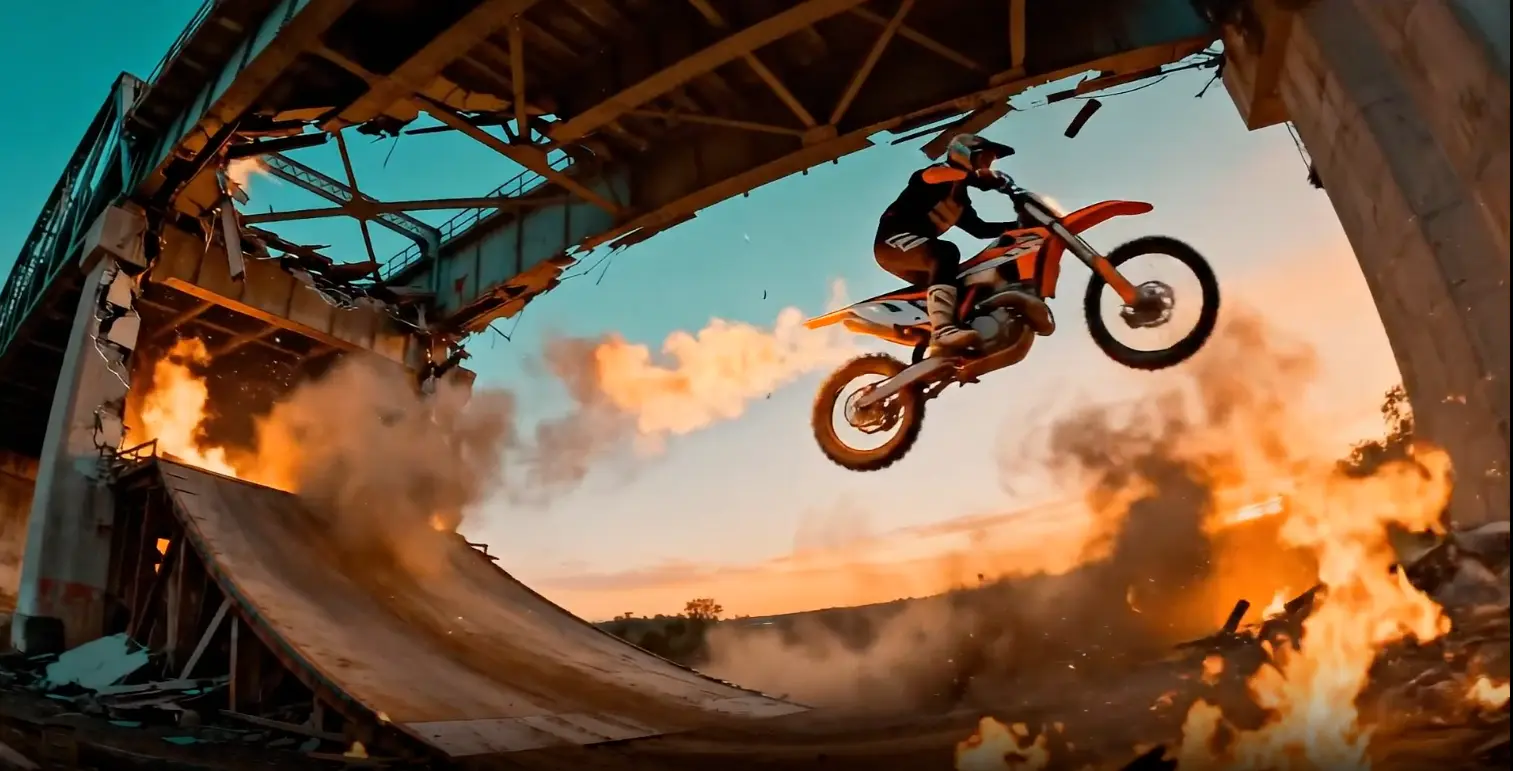
Upload a video and use Seedance 2.5 to change the scene or continue the action with a text prompt.
Source clip: a rider approaching a bridge. Extend it as the bridge collapses in fire and smoke behind him.Edit Your Video
Model Capabilities
Explore Seedance 2.5 in SotaVideoAI for longer videos, multimodal references, and prompt-based editing.

Generate 4–30 second videos with Seedance 2.5, giving product demos, action scenes, and visual stories more time to unfold.
Try Seedance 2.5
Guide appearance with images, motion with video, and sound with audio. Describe how each reference should shape your Seedance 2.5 video.
Create with References
Upload a video and describe changes to the setting, lighting, or style. Use Seedance 2.5 to explore a new version of your scene.
Edit Your VideoApplication Scenarios
Turn your images into scene previews, product videos, and social content with SotaVideoAI.

Animate storyboard frames with Sora 2 to explore character movement, camera angles, and atmosphere before your shoot.
Animate Your Storyboard
Use our AI image to video generator with Sora 2 to animate product photos and explore ideas for ads, launches, and demos.
Animate Your Product
Bring portraits, artwork, and everyday photos to life with Sora 2. Explore motion and visual styles for your next social post.
Create Your VideoAI VIDEO GALLERY
Find inspiration for your next Sora 2 video on SotaVideoAI, from animation and product visuals to cinematic scenes.

Explore colorful characters and illustrated worlds for your next Sora 2 video.
Find inspiration for character-focused scenes and close-ups to create with Seedance 2.
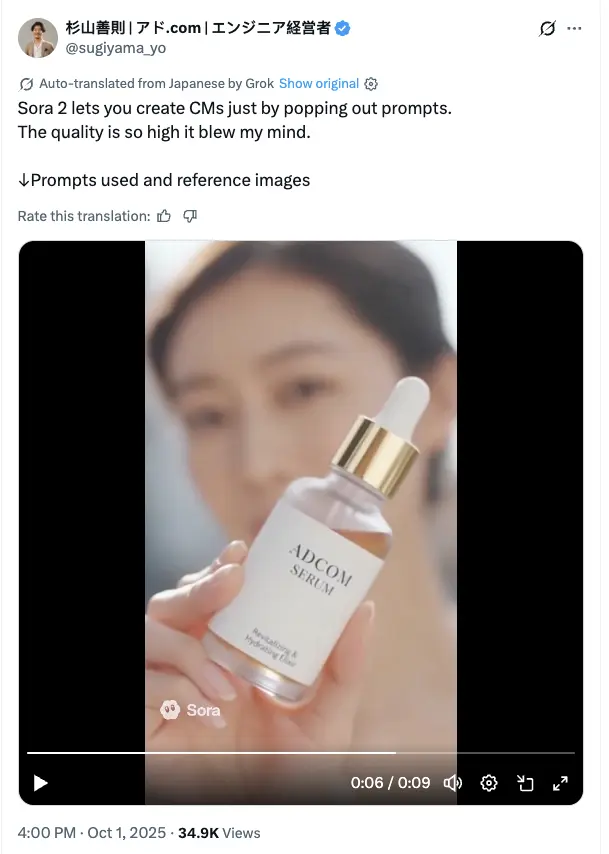
Find lighting and composition ideas for product videos you can create with Sora 2.

Explore playful colors and compositions for your next campaign video with Seedance 2.5.
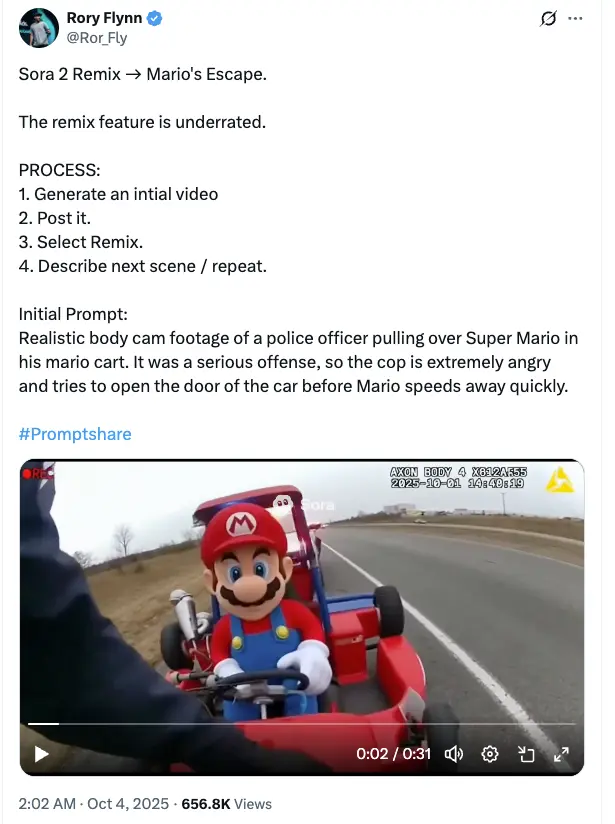
Combine contrasting visual ideas to plan creative scenes with Seedance 2.5.

Explore dynamic compositions for anime-inspired stories.
FAQ
Learn how to animate images with Sora 2, refine videos with Seedance 2.5, and get started with SotaVideoAI.
Start Creating
Upload an image and describe the motion to create your next video with Sora 2 on SotaVideoAI.
SotaVideoAI is an independent AI image to video generator offering video and image creation tools. It is not affiliated with, endorsed by, or operated by OpenAI or other model providers.