
Nano Banana
Bring an idea to life with Nano Banana, or give an existing photo a new direction. Describe the scene, upload references when needed, and shape the details in your own words.
Try Nanobanana Now
Try these prompts to see what NanoBanana can create from text
Image Requirements:
Output Format
Image Size / Aspect Ratio
Sign Up To Get Free Credits!
Nanobanana Result
Image generation takes ~1 minutes. Please don't close this tab while generating.
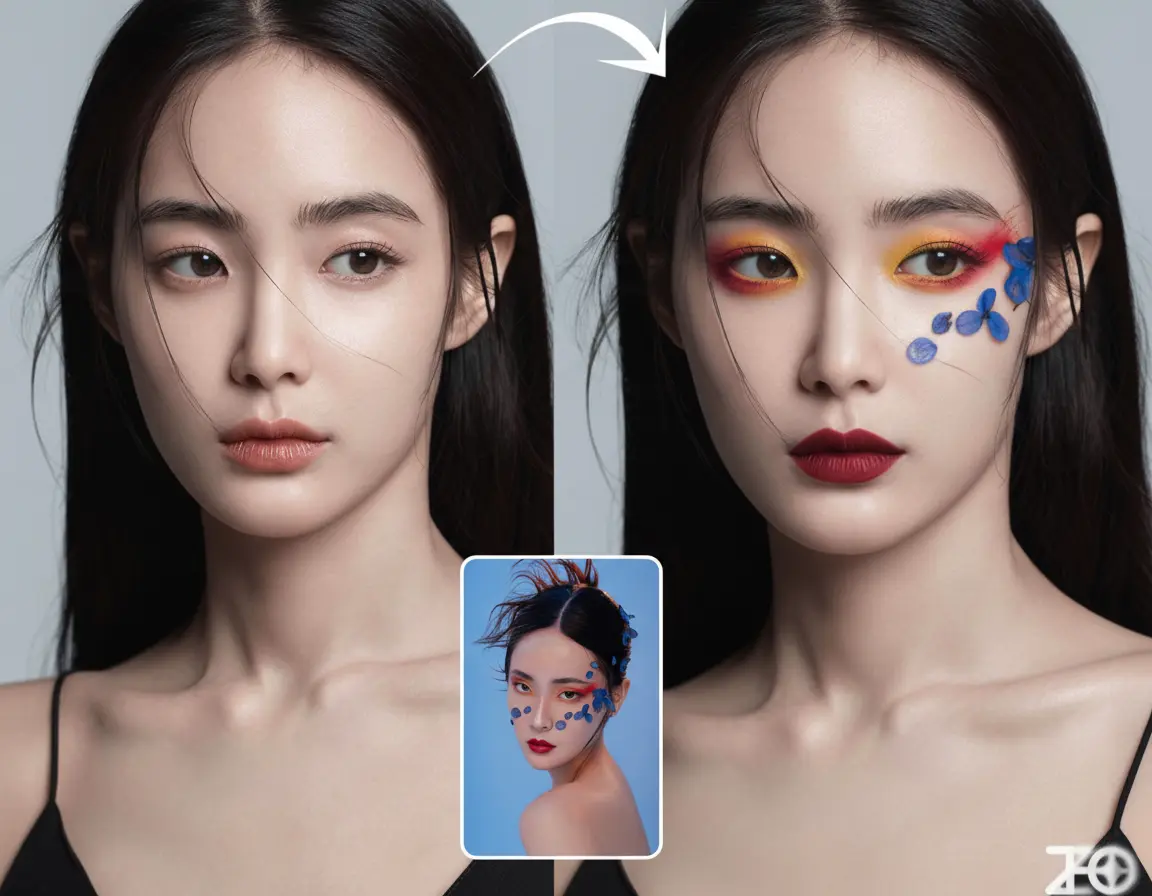
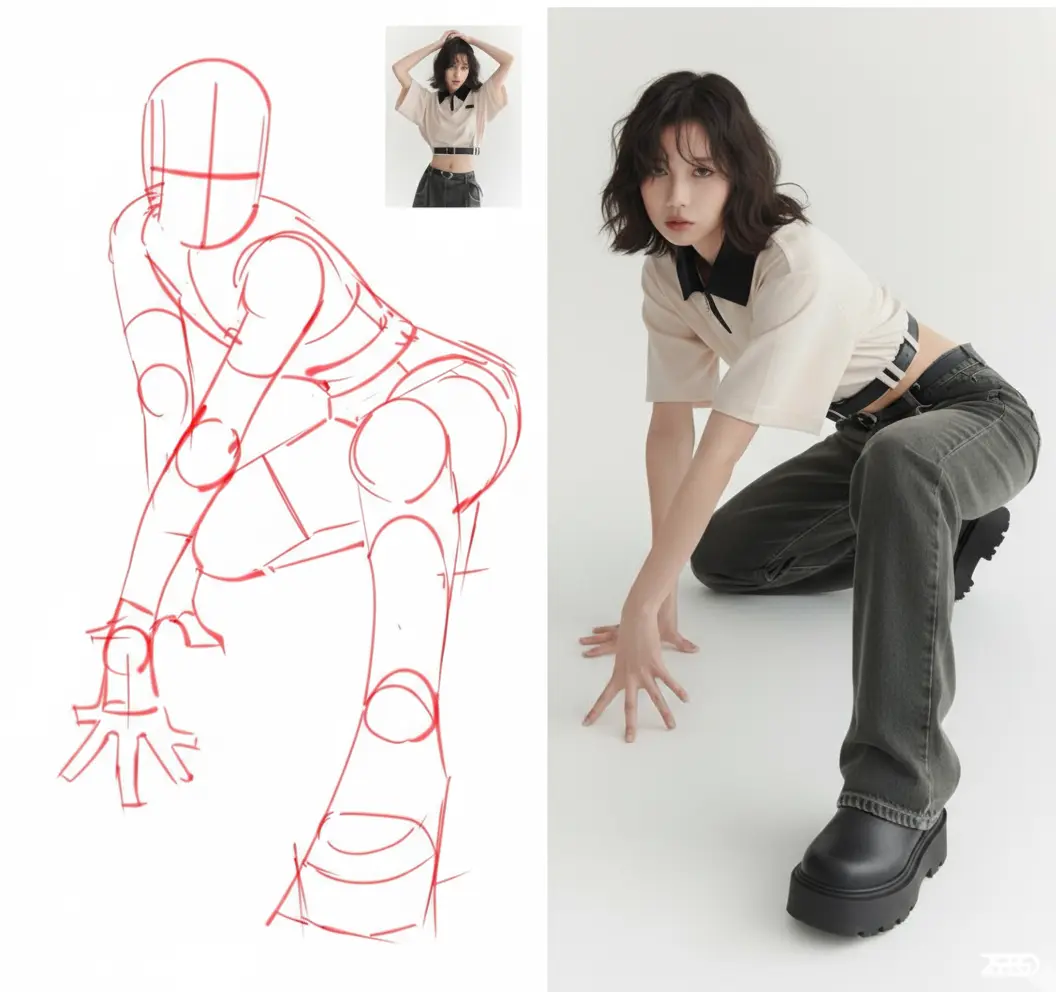
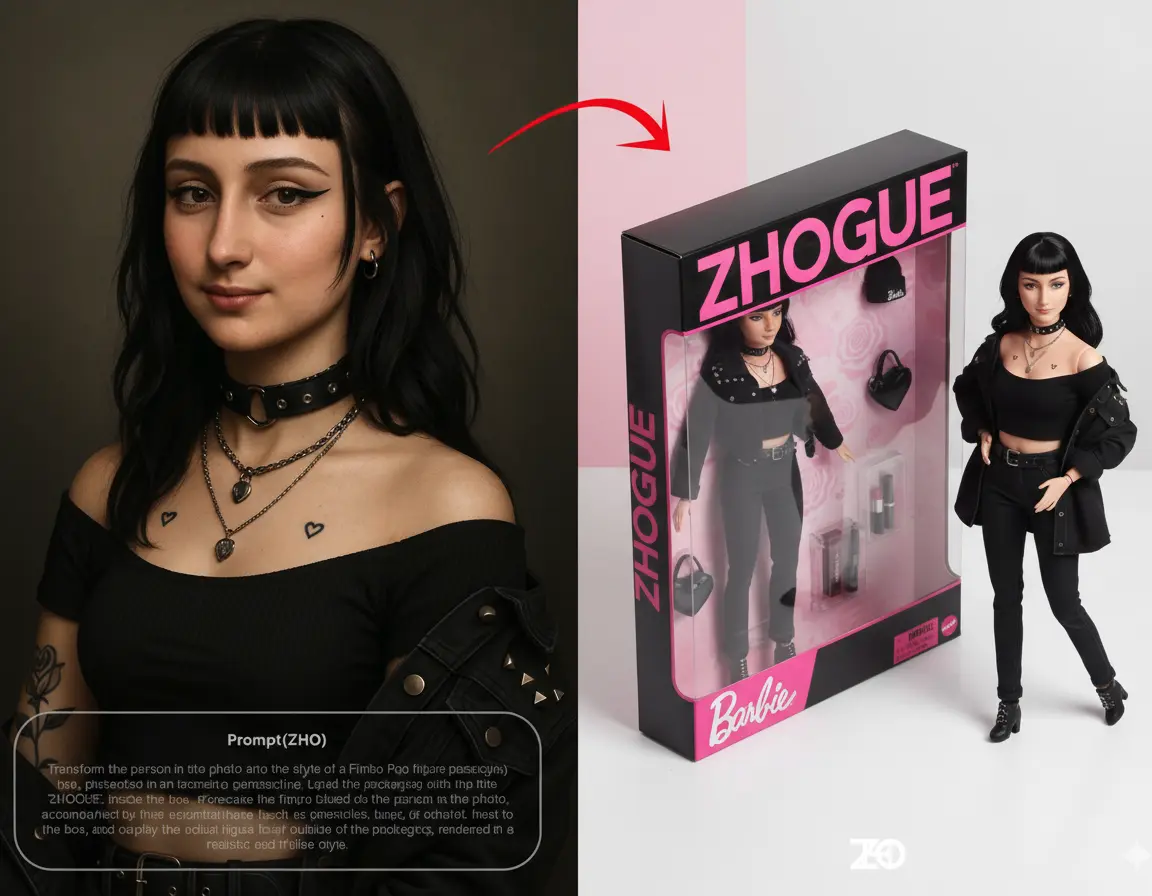
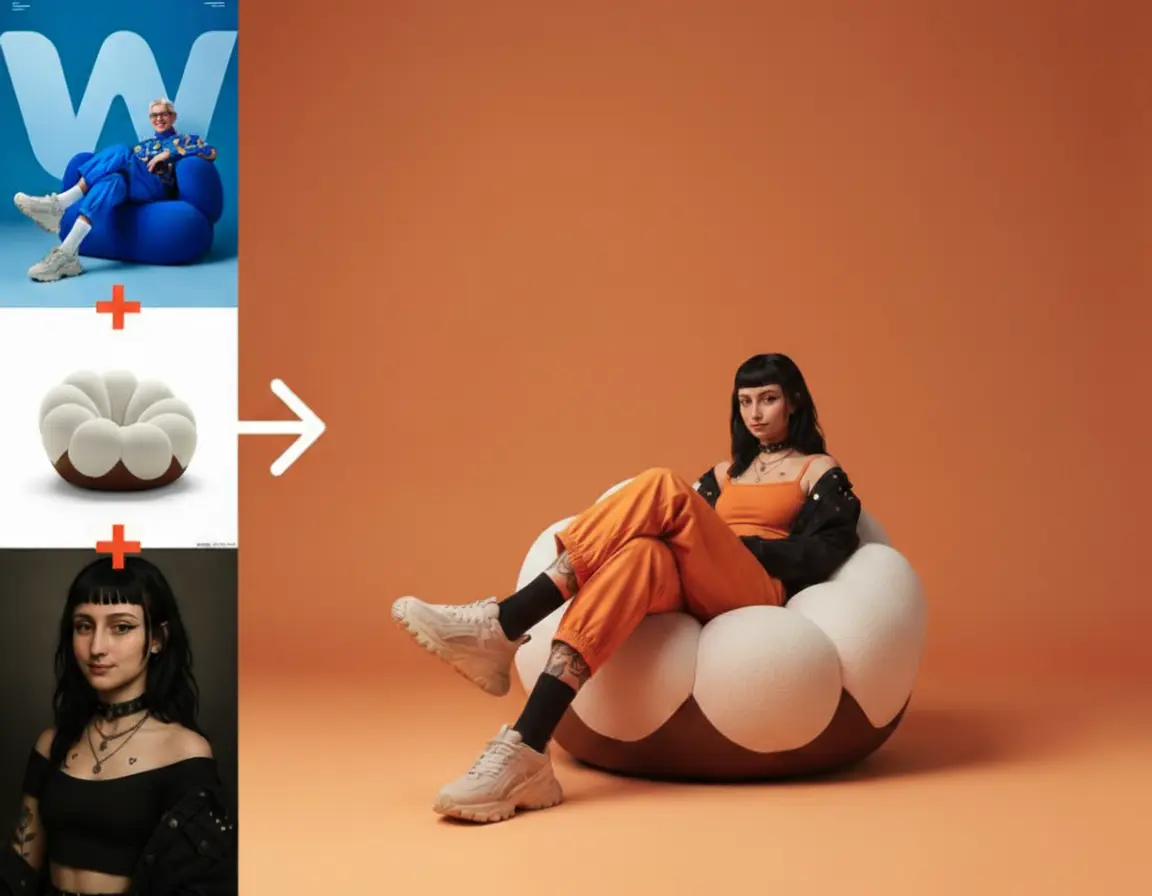
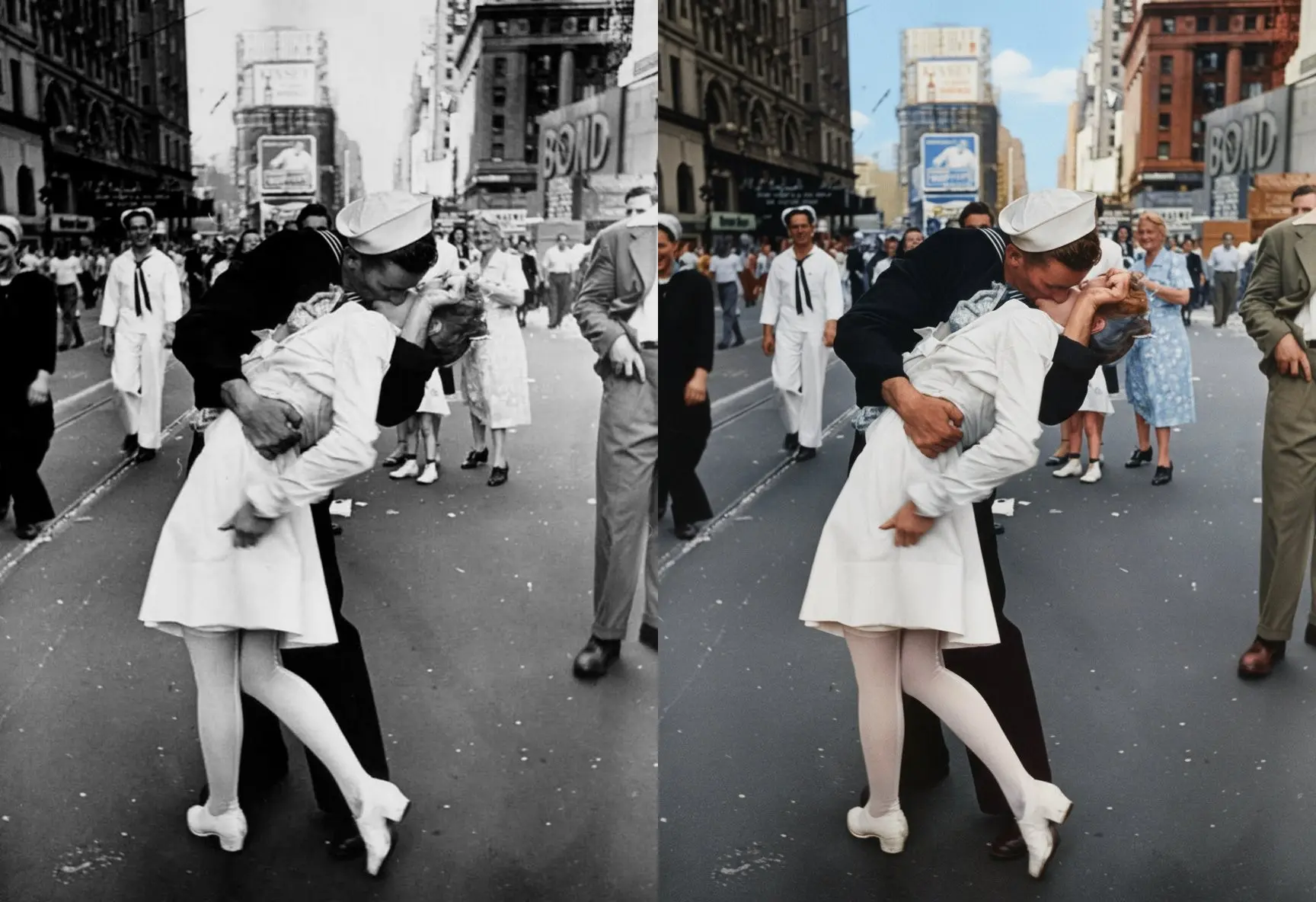
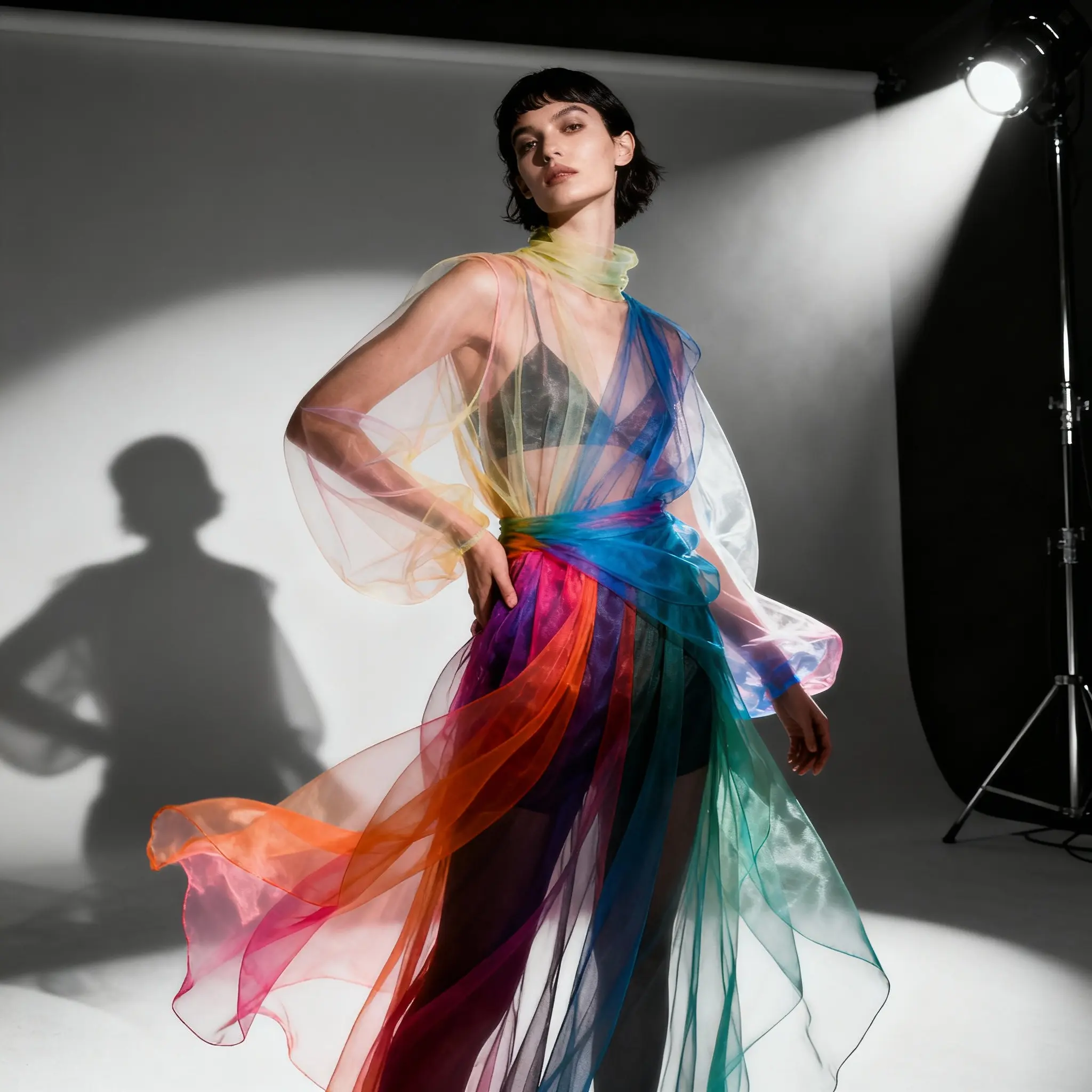
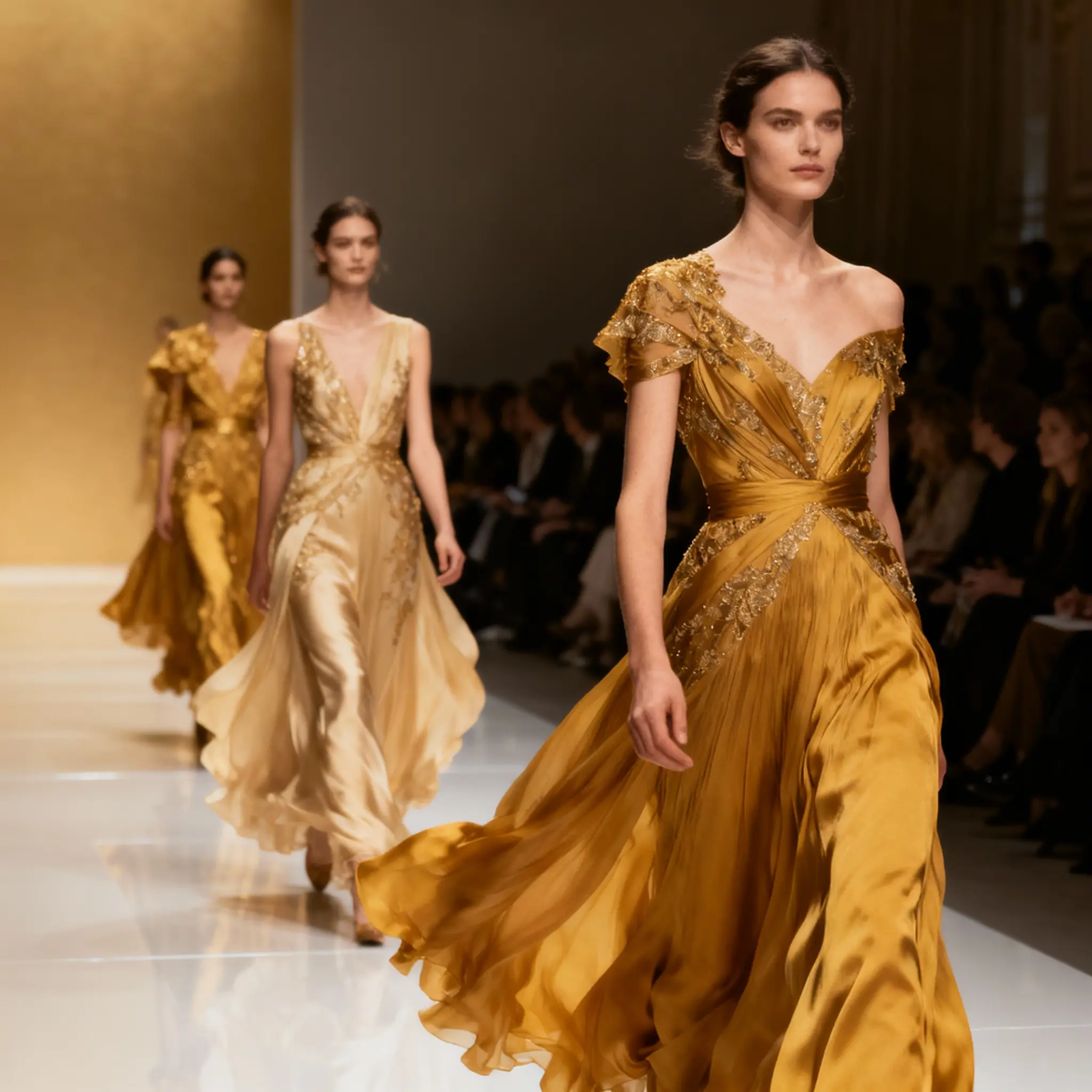
Features
Nano Banana · Creative controls
Describe your idea
Create images from text or edit existing pictures with Nano Banana. Describe a new composition or explain what to change while keeping the source subject recognizable.
Guide with references
Image editing accepts up to five reference images. State which image supplies the subject, background or style so the instruction remains clear.
Refine the details
Use natural-language instructions for background changes, styling and composition. For several sources, describe how their elements should fit together.
Choose your settings
Choose the available aspect ratio for a product card, portrait, landscape or wide composition. This page does not offer the Pro model’s 2K/4K quality selector.
Review and download
Compare the result with the source images, especially product details and faces. Verify any generated text and revise the edit if essential details changed.
Check the credits
Text generation and image editing have separate credit rates. Check the Generate button for the chosen mode; each new generation is a separate request.
Nano Banana · Workflow
Give Nano Banana a clear brief, choose your references and settings, then refine the result around the details that matter.
Describe your idea
Write down the subject, setting and change you want. If you are editing a photo, also say which details should stay the same.
Tip: Use a portrait as the starting point for a figurine-style concept. Describe the clothing, pose and display setting, then check likeness.
Guide with references
Add the images that clarify your idea and explain the role of each one, such as the subject, background or style.
Tip: Keep the product reference clear while changing its setting. Check shape, labels and proportions before using an output in a listing.
Choose your settings
Choose a shape that fits where the image will appear, then check the credit quote for your selected mode.
Tip: Text generation and image editing have separate credit rates. Check the Generate button for the chosen mode; each new generation is a separate request.
Review and download
Inspect the result at a useful size. Keep what works and make your next instruction about one specific improvement.
Tip: Compare alternative compositions or styles for a design brief. Keep the core subject fixed so each version tests a deliberate change.
Describe your idea
Write down the subject, setting and change you want. If you are editing a photo, also say which details should stay the same.
Tip: Use a portrait as the starting point for a figurine-style concept. Describe the clothing, pose and display setting, then check likeness.
Guide with references
Add the images that clarify your idea and explain the role of each one, such as the subject, background or style.
Tip: Keep the product reference clear while changing its setting. Check shape, labels and proportions before using an output in a listing.
Choose your settings
Choose a shape that fits where the image will appear, then check the credit quote for your selected mode.
Tip: Text generation and image editing have separate credit rates. Check the Generate button for the chosen mode; each new generation is a separate request.
Review and download
Inspect the result at a useful size. Keep what works and make your next instruction about one specific improvement.
Tip: Compare alternative compositions or styles for a design brief. Keep the core subject fixed so each version tests a deliberate change.
Put Nano Banana to work on your next idea
Use Nano Banana to give a portrait a playful twist, find a setting for a product, or explore a visual direction before committing to it.
Figurine-style portraits
Build a collectible-inspired portrait around a familiar face. Specify the outfit, pose and display setting to give the concept its own personality.
Product scenes worth exploring
Start with a clear product photo and imagine where it belongs. Try a kitchen counter, a studio backdrop or an outdoor setting, then check that the product details still match.
Visuals for your next post
Turn an editorial idea into a visual with a clear subject and room for your message. Explore a few compositions before choosing the one that fits your channel.
Concepts you can show and discuss
Make an abstract brief easier to share. Explore a palette, camera angle or visual style, changing one element at a time so the alternatives are easy to compare.
Real results from professionals across industries
Trusted by Creatives Worldwide Using Google Nanobanana
See how teams leverage Google Nanobanana for rapid iteration, perfect character consistency, and cost-effective image generation at scale.
Alex Kim
Concept Artist, Indie Game Studio
"Google Nanobanana's multi-image fusion changed our character design workflow completely. I blend clothing references, facial features, and pose examples from 3-4 different sources—the model keeps everything cohesive. Cut our concept iteration time from 3 hours to 20 minutes per character."
Jasmine Martinez
Social Media Manager (Fashion Brand)
"We maintain a consistent brand avatar across 500+ posts. Google Nanobanana keeps our mascot identical—same face, same colors, different poses and backgrounds. Character consistency is flawless. Before, we'd pay $50/post for consistency; now it costs us $2 in credits."
David Chen
E-commerce Product Photographer
"Studio backgrounds cost $200/day plus setup time. With Google Nanobanana, I shoot products on white, then place them in kitchen, outdoor, or lifestyle settings instantly. Generated 80 product variations last week at $3 total—a traditional shoot would've been $4K+."
Explore more models
Nano Banana · Questions before you create
Disclaimer
SotaVideoAI is an independent AI platform for video and image creation. SotaVideoAI is not affiliated with, endorsed by, or sponsored by OpenAI, Google, ByteDance, or any other AI model provider. Model names and trademarks belong to their respective owners.